



Live Flight Alerts Straight To Your Phone
A lot can change on your day of travel. Stay in the loop by tracking your flight on the Dublin Airport App and we’ll send you live updates straight to your phone. Stress-free travel is that easy. Download the Dublin Airport App — your passport to stress-free travel.
The Dublin Airport App Features
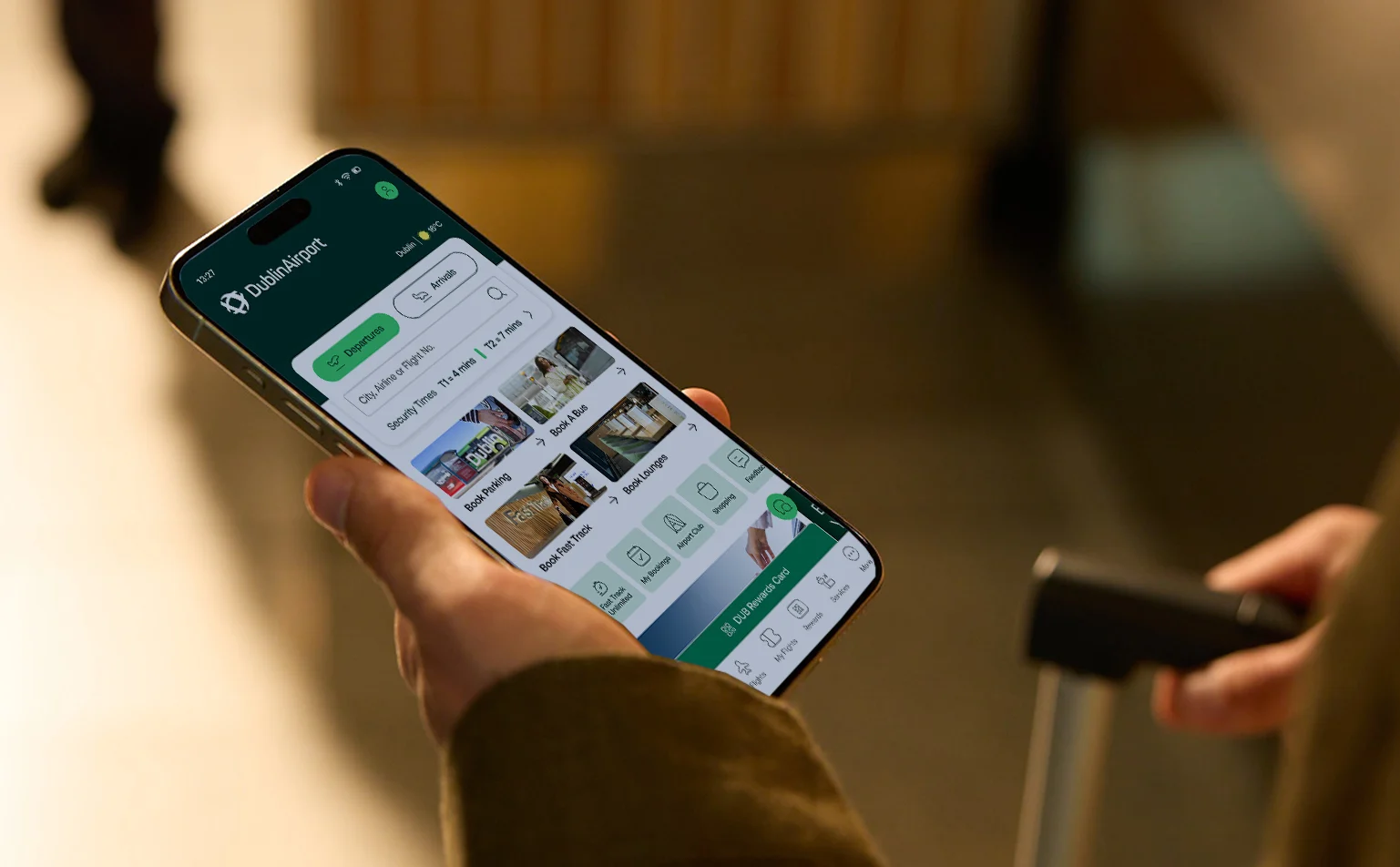
Real-time updates for flights, gates, and security.
Book and access your parking, Fast Track, lounges and more.
Exclusive offers, competitions and in-store discounts on Duty Free with DUB Rewards.
Find your way with the interactive Airport Map.
Instant help with our advanced chatbot
DUB Rewards
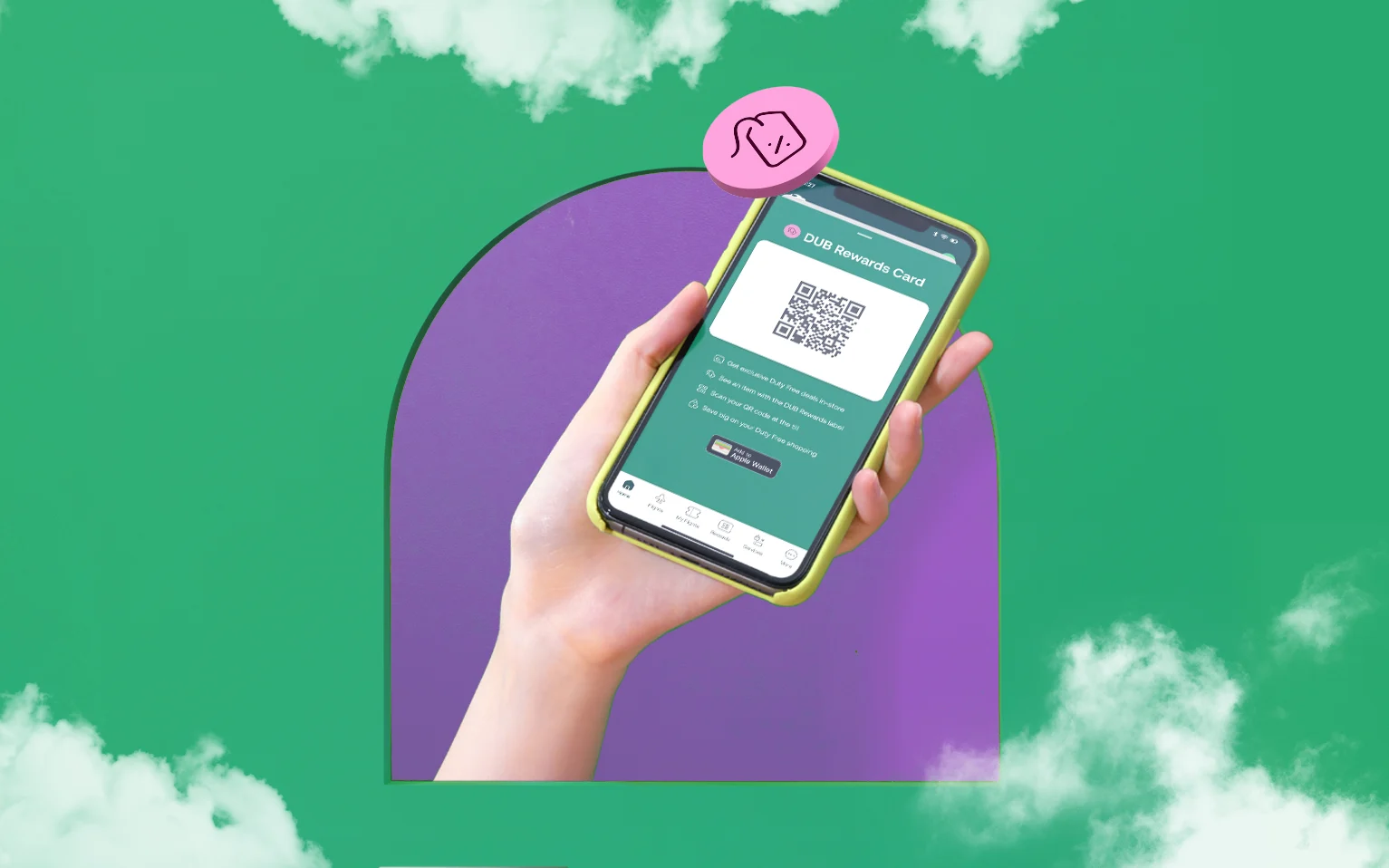
DUB Rewards is the Dublin Airport App's reward programme that gives you access to exclusive discounts in Duty Free, offers on airport services, and amazing giveaways. Simply download the Dublin Airport App and sign in to enjoy the smarter way to save.

Win A Magical Family Trip To Lapland
We’re giving a lucky family of two adults and two children the chance to experience the magic of Lapland. This prize includes:
Return flights from Dublin Airport on December 19th-21st
Accommodation for two nights
Husky and reindeer sled rides
Snowmobile safari
And of course, meeting Santa himself
All you need to do is download the Dublin Airport App, join DUB Rewards, and enter by November 30th to be in with a chance of winning.
Entry 18+. Further Terms and Conditions apply.
Flight Tracker FAQs
The likely cause is that your notifications are disabled. Open your app settings and check that Flight Notifications are enabled.
You can also check your phone's settings to make sure notifications for the app are allowed on your device.
You'll only receive updates for flights you've successfully added to the My Flights section, so it's worth checking that your flight is still active.
To stop getting flight notifications, open the app and go to Settings, then switch the Flight Notifications toggle off. You can also manage the app's notification permissions through your device's settings.